Bubble Letter Generator
Type any name or word and get bubble letters in seconds. Download them as a picture, print them for a poster or coloring page, or copy and paste bubble text into your bio.
Press Enter for a new line. Up to 60 characters.
Loading the bubble fonts…
Everything is made in your browser. Nothing you type is uploaded or saved.
Bubble text to copy and paste
These are special characters, so they work in Instagram, TikTok and Discord bios, texts and usernames. Letters only: some styles have no lowercase or punctuation.
Bubble letters made with this generator
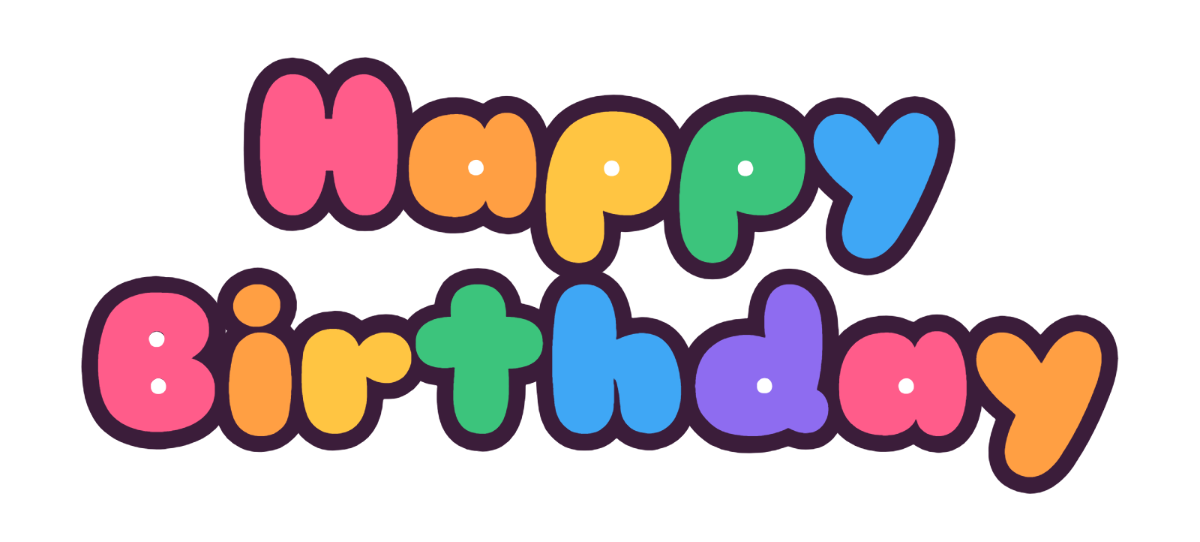
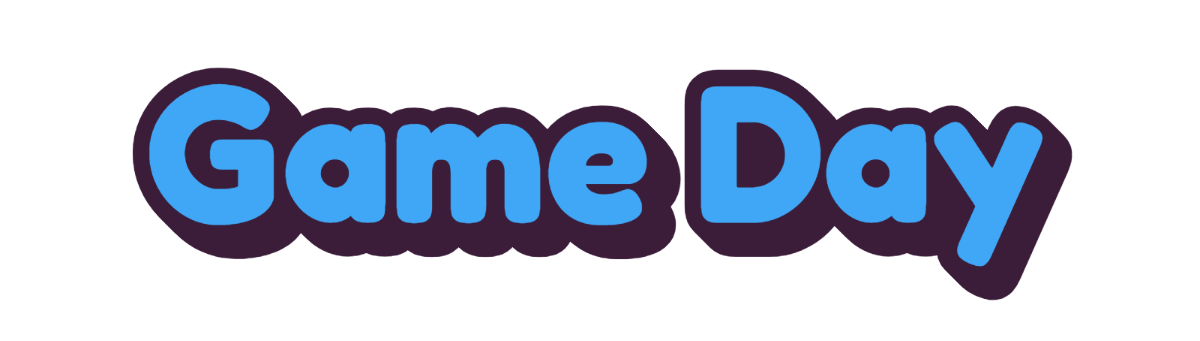
Three real downloads from the tool above, one for each kind of job.

What is a bubble letter generator?
A bubble letter generator turns ordinary text into bubble letters: round, puffy letters with a thick outline, like balloons. You type a word, choose a style and a font, and the bubble letters appear right away. This one gives you three ways to use them: a picture you can download, a page you can print, and bubble text you can copy and paste.
Bubble letters are the lettering people reach for on birthday banners, classroom posters, name tags, notebook covers and party invitations, because they are bold and easy to read from across a room.
How to make bubble letters online
- Type your text in the box: a name, a word or a short phrase. Press Enter for a second line.
- Pick a style. Outline draws empty letters to color in, Color fills them with one color, 3D adds a drop shadow, and Rainbow gives every letter its own color.
- Choose a font and colors. Each font gives a different kind of bubble: Sniglet and Modak are the roundest, Fredoka is clean and friendly, Chewy and Bubblegum Sans are playful, and Rubik Bubbles has a bubbly outline built into every letter.
- Download, print or copy. Download PNG saves a picture (tick Transparent background to drop it onto other designs), Print sends your word to the printer, and the list under the generator gives you bubble text to paste.
Bubble letter styles
| Style | What it looks like | Good for |
|---|---|---|
| Outline | Black outline, white inside | Coloring pages, tracing, stencils |
| Color | One fill color with a dark outline | Posters, cards, slides |
| 3D | Filled letters with a darker drop shadow | Titles, banners, thumbnails |
| Rainbow | Each letter a different color | Birthdays, kids' rooms, party signs |
Printable bubble letters
For a poster or a banner, press Print and your word comes out on a landscape page, as large as the page allows. For letters to cut out or color one by one, press Print A–Z letters: you get the whole alphabet in your chosen font and style, one big letter per page, ready for a bulletin board or a name banner.
A few tips for printing:
- Choose Outline to save ink and to color the letters in by hand.
- In the print window, set the scale to "Fit to page" if the letters look cut off.
- Print on card stock if the letters will hang on a wall or be cut out.
Bubble text to copy and paste
The copy-and-paste list turns your words into special characters such as ⓑⓤⓑⓑⓛⓔ and 🅑🅤🅑🅑🅛🅔. Because they are text, not pictures, you can paste them into an Instagram or TikTok bio, a Discord name, a text message or a document. These characters only exist for the letters A to Z (and for numbers in some styles), so punctuation stays as it is.
How to draw bubble letters by hand
If you want to draw bubble letters yourself, the generator is a handy model to copy from. The basic method:
- Write the word lightly in pencil, leaving space between the letters.
- Draw a rounded outline around each letter, keeping the same thickness all the way around.
- Round off every corner so no sharp points are left.
- Erase the pencil lines inside the letters.
- Go over the outline with a marker, then color or shade it. A small white curve near the top of each letter makes it look shiny, like a real bubble.
Want a quick check before you start? Type the word here, pick the Outline style, and print it as a guide to trace.
Bubble letter generator: common questions
Is this bubble letter generator free?
Yes. Making, downloading, printing and copying bubble letters is free, with no sign-up and no watermark.
Can I print the bubble letters?
Yes. Press Print to print your word on one landscape page, or Print A–Z letters to print the whole alphabet with one big letter per page. Choose the Outline style first if you want letters to color in.
How do I make bubble letters to color in?
Pick the Outline style. It draws black outlines with a white inside, which is the easiest kind to color with crayons, markers or colored pencils.
Can I use the pictures for school projects, posters or cards?
Yes. The pictures you make here are yours to use for school, posters, cards, party signs and social media. The fonts are free fonts released under the SIL Open Font License.
Why do some letters look like boxes when I paste the bubble text?
Bubble text uses special characters. Most phones, Instagram, TikTok and Discord show them, but some older apps and fonts do not have them and show empty boxes instead. If that happens, use the downloaded picture instead.
Do you save what I type?
No. The bubble letters are drawn inside your browser, and nothing you type is sent to us or stored.
Does it work on a phone or tablet?
Yes. The generator works in the browser on iPhone, Android phones and tablets. On a phone, the downloaded picture goes to your downloads or photos, depending on the browser.